
Mobile Tools in Construction Management: A 2026 Guide
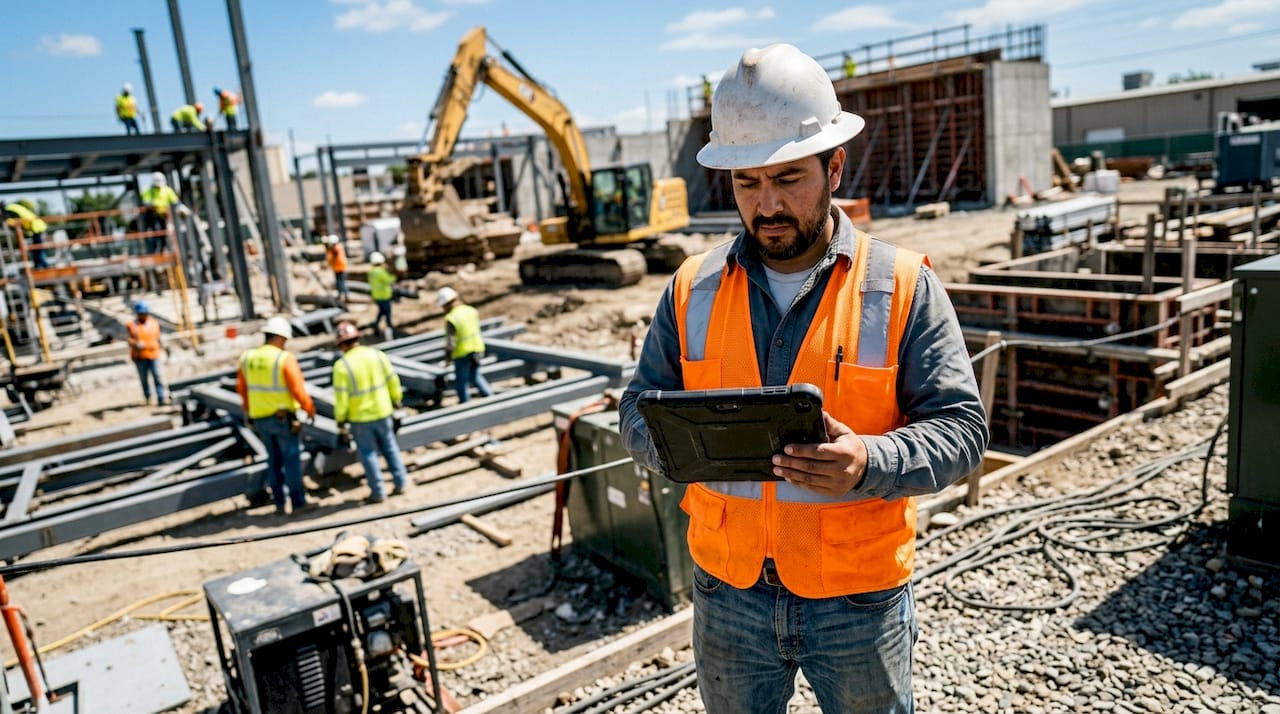
Mobile tools in construction management are defined as smartphone and tablet applications that give field teams real-time access to project data, task lists, blueprints, and communication channels directly on the job site. The role of mobile tools construction management professionals rely on has shifted from optional convenience to operational necessity. Real-time communication and issue resolution now happen through field apps rather than radio calls and paper logs. For project managers, superintendents, and contractors, the difference between a mobile-first workflow and a clipboard-and-spreadsheet approach shows up directly in error rates, rework costs, and payment speed.
What are the primary functions of mobile tools in construction management?
Mobile construction applications serve five core functions: task management, document access, field documentation, team communication, and data capture. Each function replaces a manual process that historically introduced delays and errors into project workflows.
Task management and live job tracking give foremen and crew leads a live view of daily assignments, updated in real time from the office or project manager. GPS and time tracking built into these apps verify when workers arrive, where they work, and when tasks close out. That verification matters for payroll accuracy and dispute resolution.
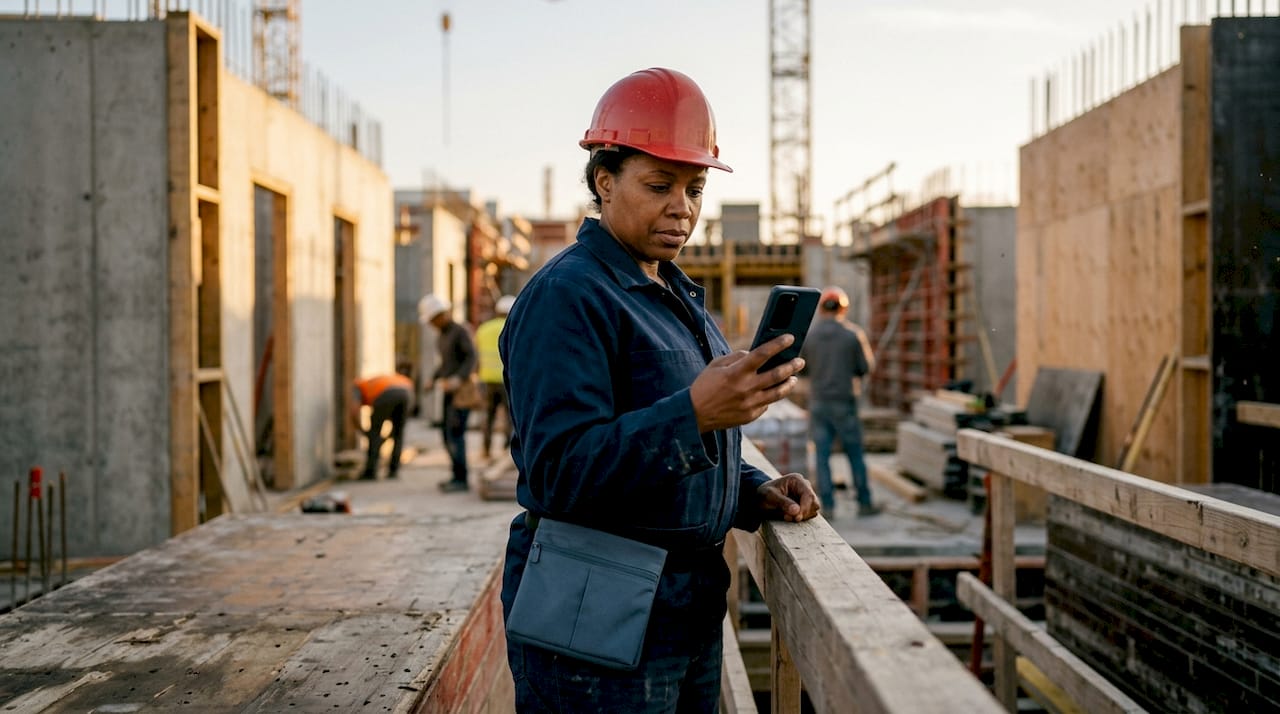
Blueprint and document access with offline-first functionality means field workers can pull up the latest drawing revision even without a cell signal. Offline data entry with automatic sync upon reconnection prevents data loss on sites where connectivity is unreliable. A worker in a basement or a remote site still captures accurate information.
Photo and video documentation integrated with GPS timestamps replaces handwritten daily reports. Camera-native workflows produce tagged, searchable records that hold up in disputes and support compliance audits. A photo taken at 2:14 PM at a specific GPS coordinate is far more defensible than a written note.
Key features that define effective mobile construction applications include:
- Live task lists with assignee, due date, and status visible to both field and office
- Offline blueprint viewer with markup and annotation tools
- GPS-verified time clock for crew check-in and check-out
- Issue logging with photo attachment, trade tag, and priority level
- RFI and submittal tracking linked directly to the project schedule
- Voice command input for hands-free report creation and photo tagging
Pro Tip: Set up your mobile app’s offline sync to trigger automatically when the device reconnects to Wi-Fi at the end of each shift. This prevents the common mistake of workers leaving the site with unsynced data still sitting on their phones.
How do mobile tools improve accuracy and reduce errors?
Manual data entry in construction carries a 5–10% error rate, while automated mobile capture reduces that figure to less than 0.5%. That difference translates directly into fewer change orders, less rework, and cleaner project records.
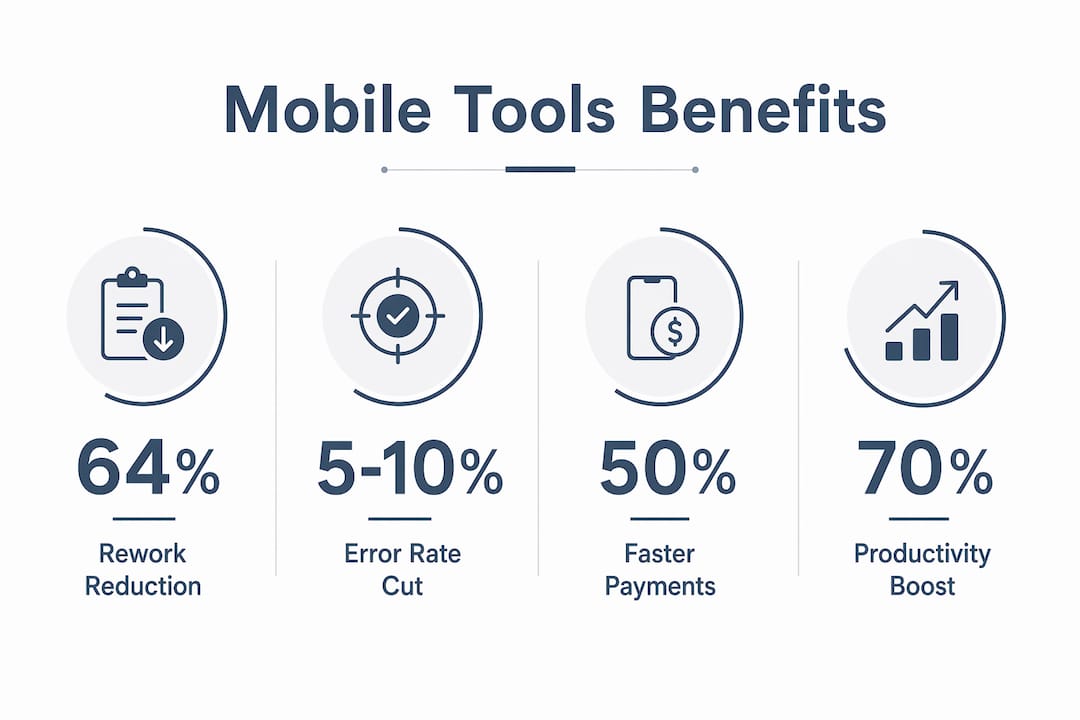
GPS-verified time tracking addresses one of the most persistent cost problems in field operations: time theft. Specialized field tools reduce time theft by 90% compared to manual punch cards or sign-in sheets. The same tools reduce rework costs by 64% through better blueprint management and real-time issue flagging.
Visual and spatial data capture adds a layer of accuracy that text-only forms cannot match. Advanced mobile data capture now includes 360-degree walkthroughs and location-based searchable records. A text note saying “crack in foundation wall, north side” is far less useful than a GPS-tagged photo with a trade label and a timestamp.
| Method | Error Rate | Rework Cost Impact | Time Theft Risk |
|---|---|---|---|
| Manual paper forms | 5–10% | High | High |
| Desktop-only entry | 3–6% | Moderate | Moderate |
| Mobile automated capture | Less than 0.5% | Low (64% reduction) | Low (90% reduction) |
“Construction teams capture text data frequently but often miss the value of visual and spatial data capture for an objective progress audit trail. Location-based, searchable records provide the kind of documentation that protects contractors in disputes and accelerates project closeout.”
Automated audit trails created by mobile apps also support compliance with OSHA documentation requirements and contract terms. Every action is timestamped, user-attributed, and stored in a central record. That level of accountability is impossible to replicate with paper.
What distinguishes mobile-first tools from desktop-centric systems?
Mobile-first construction management tools are built from the ground up for a phone or tablet. Desktop-centric systems are office software with a mobile app added later. That architectural difference determines whether field workers actually use the tool or abandon it after the first week.
Field tool usability and mobile-first design determine adoption and ultimately project success more than legacy office ERP features. A system that requires 12 taps to log a daily report will not get used by a worker wearing gloves in 90-degree heat. Mobile-first design solves this with large touch targets, camera-native workflows, and minimal typing requirements.
Offline-first architecture is not a luxury on construction sites. It is a requirement. Many job sites have dead zones in basements, tunnels, and rural locations. Offline-first capability with asynchronous sync means the app works the same whether the device has a signal or not. Data queues locally and pushes to the server when connectivity returns.
What separates mobile-first tools from desktop bolt-ons:
- Offline-first sync that queues all data locally and pushes automatically on reconnect
- Camera-native workflows where photo capture is the primary input method, not a secondary option
- Large touch targets and minimal form fields designed for gloved hands
- Voice command support for hands-free report creation and RFI logging
- Role-based views that show a foreman only what is relevant to their crew
Pro Tip: Before committing to any field app, run a one-week pilot with your most skeptical foreman. If they adopt it without being pushed, the rest of your crew will follow. If they resist, the UI is the problem, not the person.
Understanding effective project management strategies in construction makes it clear that field adoption is the single biggest predictor of whether a technology investment pays off.
How do mobile tools integrate with office-based project management?
Mobile apps serve as the connection point between field execution and office oversight. Data flows from the job site into dashboards that project managers, accountants, and owners review in real time. That flow eliminates the end-of-day data entry bottleneck that has historically delayed billing, scheduling updates, and issue resolution.
Mobile apps connect office management and field execution in ways that standalone desktop systems cannot replicate. When a foreman logs a concrete pour completion on a mobile app, that update can trigger a schedule update, a material order, and a billing milestone simultaneously. No phone call. No email chain. No delay.
| Workflow Step | Without mobile integration | With mobile integration |
|---|---|---|
| Daily report submission | Next morning, manual entry | Real-time, auto-synced |
| Issue to RFI creation | 1–3 days | Same day |
| Time sheet to payroll | Weekly batch | Daily verified data |
| Invoice generation | 10–15 days after work | 5–7 days via auto-invoice |
| Blueprint update distribution | Printed and hand-delivered | Instant push to all devices |
Mobile logging enables same-day automated invoice generation, cutting payment cycles from 10–15 days down to 5–7 days. Faster invoicing improves cash flow, which is the single most common cause of contractor financial stress. Linking field data to the construction scheduling software your office team uses means schedule updates happen automatically as field conditions change.
Centralized dashboards give project managers a single view of all active jobs, open issues, pending RFIs, and labor hours. That visibility replaces the morning status call and the end-of-week report with live data that is always current.
What productivity gains can construction professionals expect?
The productivity gains from mobile construction applications are measurable and consistent across project types and company sizes. The key benefits fall into four categories: error reduction, cost savings, faster payment, and better documentation.
- Error reduction: Automated mobile capture cuts data entry errors from 5–10% to less than 0.5%, reducing the administrative cost of fixing mistakes.
- Rework cost savings: Field tools reduce rework costs by 64% through real-time blueprint access and immediate issue flagging before problems compound.
- Faster payment cycles: Same-day invoicing enabled by mobile capture shortens payment timelines from 10–15 days to 5–7 days.
- Labor tracking accuracy: GPS-verified time tracking eliminates time theft and gives payroll teams clean, verified data every day.
- Dispute resolution: GPS-tagged photos and timestamped audit trails provide documentation that resolves disputes faster and with less legal cost.
The automation checklist for construction PMs shows that connecting field data capture to office workflows is where the largest time savings occur. When a field worker closes a task on a mobile app, the project manager sees it instantly. No lag. No lost paperwork.
Companies with strong mobile field capabilities consistently outperform those relying on office-centric systems without good mobile integration. That performance gap widens as projects grow in complexity and crew size.
Pro Tip: Track your rework hours for 30 days before adopting a mobile tool, then track them again 60 days after rollout. That before-and-after comparison is the clearest ROI signal you can show to ownership or a skeptical project executive.
Key Takeaways
Mobile tools in construction management reduce errors, cut rework costs, and accelerate payment cycles by replacing manual data entry with automated, GPS-verified field capture.
| Point | Details |
|---|---|
| Error rate reduction | Automated mobile capture cuts data entry errors from 5–10% to less than 0.5%. |
| Rework and time theft | Mobile field tools reduce rework costs by 64% and time theft by 90% via GPS tracking. |
| Faster payment cycles | Same-day mobile invoicing shortens payment timelines from 10–15 days to 5–7 days. |
| Mobile-first architecture | Offline-first design with camera-native workflows drives field adoption and data completeness. |
| Field-to-office integration | Real-time data sync connects field logs directly to schedules, payroll, and billing systems. |
Why I think most contractors are still choosing the wrong type of mobile tool
Most contractors I talk to have adopted some form of mobile app. The problem is that most of them chose a desktop system first and accepted the mobile app as an afterthought. That sequence is backwards, and it shows up in adoption rates within six months.
The field workers who matter most, the foremen and lead carpenters who set the pace on a job, will not tolerate a clunky interface. They will revert to paper within two weeks. When that happens, the contractor blames the technology. The real problem is that the tool was never designed for the field in the first place.
Offline-first capability is the single feature I use to separate serious field tools from desktop bolt-ons with a mobile skin. If the app stops working when the signal drops, it is not a field tool. It is a liability. Real job sites have dead zones. Your software needs to work in them.
The future of mobile tools in construction is not more features. It is better AI tagging, visual intelligence for photo organization, and natural language search across project records. The contractors who build those workflows now will have a documentation and accountability advantage that their competitors cannot close quickly.
Choose mobile-first. Demand offline-first. Pilot with your most skeptical crew member before you commit.
— Keith
How Designflow-build supports mobile-to-office project management
Designflow-build is built for contractors who need field data and office operations to work as one system, not two separate tools that sync imperfectly.

The platform combines AI-driven project management, accounting, and field operations in a single system. It reports a 70% reduction in manual data entry and a 98% user adoption rate, with implementation completed in 2–4 weeks. For contractors ready to connect field capture with office oversight, the AI construction ERP platform gives project managers live dashboards, automated invoicing, and schedule integration without the need for a consultant-led rollout. You can also explore the construction scheduling tools that link directly to field data for real-time project control.
FAQ
What is the role of mobile tools in construction management?
Mobile tools in construction management give field teams real-time access to tasks, blueprints, and communication while automatically capturing GPS-verified data that feeds directly into office systems. They replace manual paper processes and reduce data entry errors from 5–10% to less than 0.5%.
How do mobile apps reduce rework costs on construction sites?
Mobile apps reduce rework costs by 64% through real-time blueprint access, immediate issue flagging, and photo documentation that catches problems before they compound into expensive fixes.
What does “offline-first” mean for a construction app?
Offline-first means the app stores all data locally on the device and syncs automatically when connectivity returns. This prevents data loss on job sites with unreliable cell service, which is a standard condition on most active construction sites.
How do mobile tools speed up contractor payment cycles?
Mobile logging enables same-day automated invoice generation, cutting payment timelines from 10–15 days down to 5–7 days. Faster invoicing directly improves cash flow for contractors managing multiple active projects.
What should construction professionals look for in a mobile-first field app?
Look for offline-first sync, camera-native workflows, GPS-verified time tracking, and large touch targets designed for gloved hands. These features determine whether field workers actually adopt the tool or abandon it within the first month.