
Weekly Audit Ready Workflow: Davis Bacon Compliance for Contractors

Davis Bacon compliance means paying every laborer and mechanic on a covered federal construction contract the locally prevailing wage and fringe benefits, then proving it weekly with certified payroll. The rules apply once a contract exceeds $2,000. You need a correct wage determination, accurate classifications, a signed WH-347 Statement of Compliance, and active oversight of every subcontractor tier. Skip any of these and you risk withheld payments, back wages, or debarment.
TL;DR:
- Federal construction contracts over $2,000 automatically trigger Davis Bacon wage and fringe benefits compliance requirements, including weekly certified payroll reporting.
- Accurate wage determinations must match specific project classifications and locations, with a conformance process for missing trade rates, which applies only to individual contracts.
- Contractors must verify wages before bidding, submit signed weekly payroll with a signed Statement of Compliance, and retain records for at least three years.
- Prime contractors are liable for subcontractor violations, requiring contractual safeguards, regular payroll audits, and strict record-keeping to prevent penalties.
- Most violations stem from classification errors or fringe miscalculations, which integrated payroll systems can prevent by linking time capture directly to job cost codes.
Table of Contents
- Which Contracts Trigger Davis Bacon Compliance Requirements?
- How Are Prevailing Wage Determinations Set and Found?
- What Does Weekly Certified Payroll Reporting Require?
- How Do You Calculate Prevailing Wage and Fringe Benefits Correctly?
- Who Is Liable When a Subcontractor Misses Payroll Requirements?
- What Violations Trigger Davis Bacon Enforcement Actions?
- How to Build an Audit-Ready Compliance Workflow
- Where to Find Official Davis Bacon Forms and Guidance
- Why Integrated Payroll Systems Beat Spreadsheet Compliance
- How DesignFlow Build Automates Certified Payroll Compliance
- Sources
Which Contracts Trigger Davis Bacon Compliance Requirements?
The trigger is simple: any federal or federally assisted construction contract over $2,000. That threshold is low by design, so it captures nearly every prime contract and most subcontracts on public building work, and it covers construction, alteration, repair, and painting activities, not just new builds. Once a project crosses that line, the contracting agency is required to embed the applicable wage determination directly into the solicitation.
Coverage extends to “laborers and mechanics,” a category that includes:
- Trade workers performing manual or physical labor on the site (carpenters, electricians, laborers, equipment operators)
- Apprentices and trainees registered in approved programs
- Truck drivers, in certain onsite-delivery circumstances defined by the Department of Labor
- Working foremen who spend more than 20% of their time on manual labor
Superintendents and purely clerical staff generally fall outside coverage. If your contract doesn’t spell out a wage determination, request one from the contracting agency before you bid, not after you sign.
How Are Prevailing Wage Determinations Set and Found?
The Wage and Hour Division sets prevailing wages by surveying actual wages paid on similar projects within a specific county, then publishing rates by construction type: building, residential, highway, and heavy. That means two projects a few miles apart can carry different rates if one is classified as “heavy” construction and the other as “building.”
- Locate the determination. General wage determinations live on SAM.gov, which became the DOL’s official publication source in June 2019 and carries no expiration date once posted.
- Confirm it’s the right type and area. Match the construction category and county exactly. A rate pulled from the wrong category is one of the fastest ways to underpay without realizing it.
- Request a conformance if a classification is missing. If your project needs a trade not listed on the determination, submit a conformance request through the contracting officer. This adds the missing classification and rate for that contract only.
- Verify before you bid. Confirm the incorporated wage determination matches what’s currently published, since agencies sometimes attach outdated versions to solicitations.
One detail that trips up experienced contractors: a conformance decision applies only to that specific contract. It never updates the general wage determination on SAM.gov, so the next project starts the process over.
What Does Weekly Certified Payroll Reporting Require?
Certified payroll isn’t a monthly formality. It’s a weekly requirement, submitted to the contracting agency or funding recipient for every week your crew works on a covered project, starting with the first payroll period and continuing until the job closes out.
Form WH-347 is the DOL’s standard template, and it breaks into two parts:
- Page one captures the payroll grid: each worker’s name, classification, daily hours, straight-time and overtime hours, hourly rate, gross wages earned on the project, deductions, and net pay.
- Page two is the Statement of Compliance, a signed attestation from a responsible official confirming wages and fringes were paid as required.
Here’s the detail that catches contractors off guard: use of the WH-347 form itself is optional. What’s mandatory is the weekly data and a signed statement covering the same information, whether you build it in a spreadsheet or generate it from accounting software. The Copeland Anti-Kickback Act and 29 CFR Part 5 are what make the weekly filing and certification legally binding, not the specific paper form.
Pro Tip: File a “no work” certified payroll for any week your crew is idle on the project. Skipping a week breaks your payroll numbering sequence, and that gap is one of the first things a DOL investigator flags during an audit.
Route subcontractor payrolls through the prime contractor for submission, and keep every payroll in electronic form so you can search and cross-reference during a review rather than digging through paper files.
How Do You Calculate Prevailing Wage and Fringe Benefits Correctly?
Prevailing wage has two components: a base hourly rate and a fringe benefit rate, and both are mandatory. You can satisfy the fringe portion by paying it as cash directly to the worker, contributing it to a bona fide benefit plan (health insurance, pension, apprenticeship funds), or some combination of both.
- Funded plans (actual contributions to a trust or insurer) generally qualify for credit without prior approval.
- Unfunded plans, where you self-insure or self-fund a benefit, typically require Department of Labor approval before you can claim the hourly credit.
- Overtime treatment is where most fringe errors happen. Fringe must be paid on every hour worked, including overtime, though the fringe amount itself can usually be excluded from the base rate used to calculate the time-and-a-half premium.
Pro Tip: Run a fringe reconciliation every pay period, not just at project closeout. Contractors who wait until the audit to check fringe math almost always find the errors have compounded across dozens of payrolls.
The most common mistakes: misclassifying a worker into a lower-paying trade, applying fringe credit without documentation, and simply forgetting to pay fringe on overtime hours worked.
Who Is Liable When a Subcontractor Misses Payroll Requirements?
Prime contractors carry the liability, even when the violation happens three tiers down. Every prime must flow Davis Bacon Related Acts (DBRA) clauses down through every subcontract, and that responsibility for back wages and compliance failures doesn’t transfer away just because a sub signed the paperwork.
- Require weekly certified payroll from every sub before releasing payment. Make it a contractual condition, not a request.
- Sample-audit sub payrolls monthly. Spot-check classifications, hours, and fringe math rather than assuming the paperwork is clean because it arrived on time.
- Retain payroll and fringe plan records for at least three years after project completion, matching federal recordkeeping standards.
- Build contractual remedies into subcontracts — payment holdbacks or right-to-cure clauses — so a late or missing sub payroll doesn’t become your liability alone.
What Violations Trigger Davis Bacon Enforcement Actions?
The violations that draw DOL scrutiny are predictable: misclassifying workers into lower-wage trades, underpaying straight-time or overtime, falsifying certified payrolls, failing to pay fringe benefits, and simply not keeping adequate records.
The consequences scale with severity:
- Contracting agencies can withhold contract payments to cover any wage shortfall discovered, making it vital to avoid common budgeting pitfalls as detailed in Fenestration budget mistakes developers must fix now.
- Contractors face direct back-wage liability to affected workers.
- Willful or repeated violations can lead to debarment from federal contracting for up to three years.
- Falsifying a certified payroll carries potential criminal exposure, since the WH-347 Statement of Compliance is a sworn statement subject to penalties under federal false-statement law.
Workers who report violations are protected from retaliation, and complaints can be filed directly with a WHD field office.
How to Build an Audit-Ready Compliance Workflow
Treat compliance as three layers of control rather than a single end-of-project scramble.
- Pre-award: Verify the wage determination attached to the solicitation, confirm DBRA clauses are in every subcontract, and identify any classification gaps before you finalize your bid.
- Weekly operations: Capture hours by classification and cost code, reconcile fringe contributions against your benefit plan documentation, generate the certified payroll (WH-347 or equivalent), and get it signed before the deadline.
- Periodic controls: Run cross-tier payroll audits against your subs, keep fringe plan documentation mapped to each worker, and maintain a standing file ready for agency review at any time.
Pro Tip: The contractors who pass audits without stress are the ones who treat certified payroll as a byproduct of their daily time tracking, not a separate weekly chore built from scratch.
Manually re-keying hours from field timesheets into a payroll spreadsheet is where most classification and fringe errors creep in. Tying time capture directly to cost codes, and generating payroll exports from that same data, removes the re-entry step that causes those errors in the first place. For a deeper look at building that workflow, our guide to certified payroll reporting walks through the required data fields in more detail, and our job cost dashboard piece shows how real-time cost-code tracking prevents hours from landing in the wrong classification.
Where to Find Official Davis Bacon Forms and Guidance
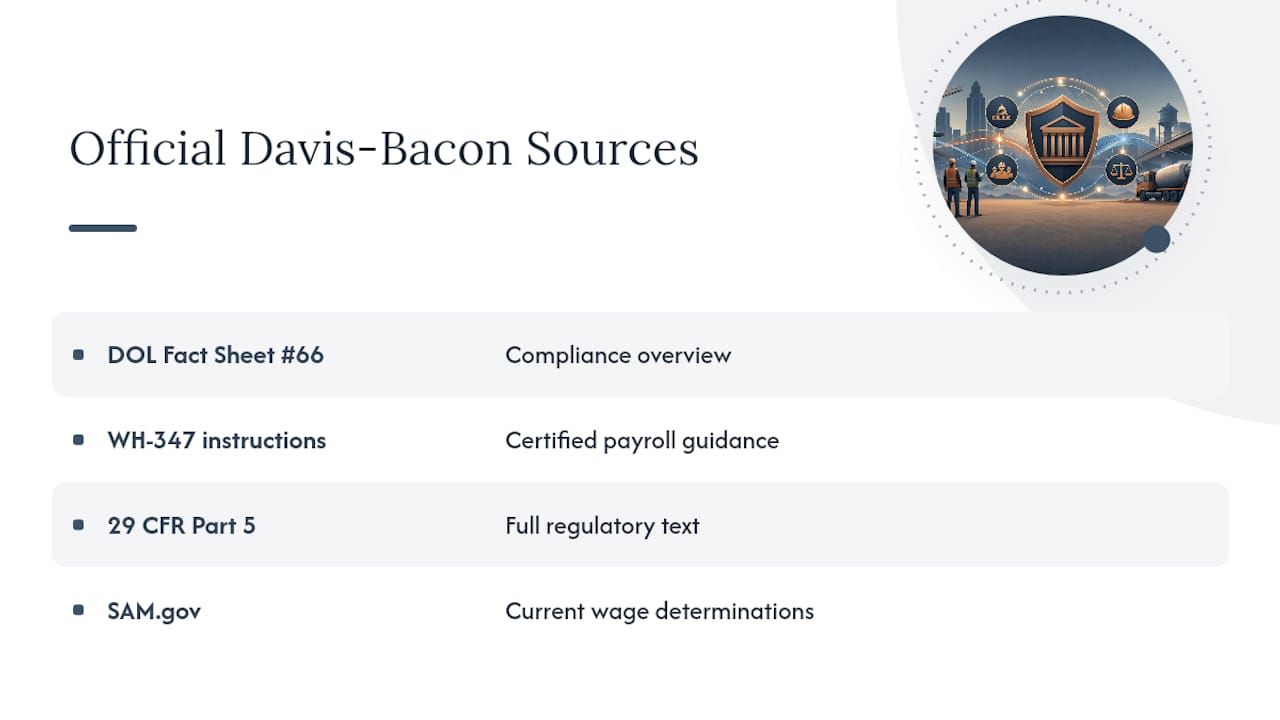
Bookmark these four sources: DOL Fact Sheet #66 for a compliance overview, the WH-347 instructions for certified payroll, 29 CFR Part 5 for the full regulatory text, and SAM.gov for current wage determinations. For conformance questions or wage determination reconsideration, contact your local WHD field office or the DOL’s dedicated conformance review process.
Why Integrated Payroll Systems Beat Spreadsheet Compliance
Most Davis Bacon violations aren’t willful. They’re spreadsheet errors: a classification typo, a fringe calculation that didn’t carry over, a missed weekly filing. Contractors who tie time capture directly to job cost codes and generate certified payroll from that same source data catch these errors before submission, not during an audit.
— Keith
How DesignFlow Build Automates Certified Payroll Compliance
Manually rebuilding certified payroll every week from scattered timesheets is where classification errors and fringe miscalculations sneak in. Some construction ERP platforms close this gap by tying field time capture directly to cost codes, so the hours that feed your payroll export reflect the correct trade classification and fringe treatment, with less re-keying than a spreadsheet-based process.

An accounting module that handles certified payroll exports, fringe credit tracking, and job-cost-by-cost-code reporting inside one system can help ensure the compliance file builds itself as the work happens instead of getting assembled the night before an audit. If you want to see how the pieces fit together, our construction software glossary walks through the terminology, and the AI construction ERP platform overview shows the certified payroll and reporting features directly. Start a free trial to see how your next weekly payroll comes together.