
What Is a Field Service Operations Platform for Construction?
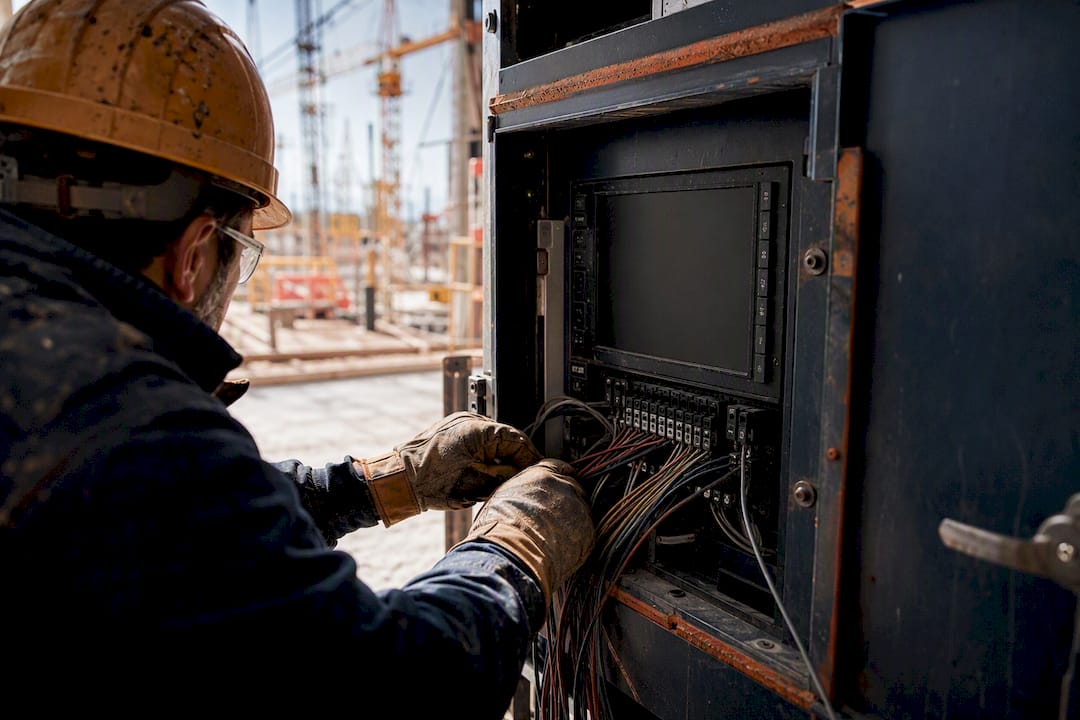
A field service operations platform for construction is an AI-native ERP that combines project accounting, project management, and mobile field tools into one connected system, replacing the patchwork of spreadsheets, QuickBooks exports, and standalone job trackers most contractors juggle today. It’s built so a foreman’s field entry updates your job cost report the same day, not the same month.
Two outcomes matter most when you adopt one:
- Real-time job costing and faster billing. Costs post as they happen, so pay applications and AIA billing reflect actual conditions instead of last week’s guess.
- Mobile field capture that feeds finance directly. Time entries, daily reports, and material receipts flow into your accounting ledger without anyone retyping a thing.
Designflow-build was built around this exact definition. If you want to see what it looks like in practice, the sections below walk through the features, the payoff, and how to evaluate it.
Key Takeaways
An AI-native construction ERP earns that name only when project accounting, field mobile data capture, and project management run on one connected data model instead of three disconnected tools.
| Point | Details |
|---|---|
| Definition matters | A construction field service operations platform means an AI-native ERP uniting accounting, project management, and mobile field tools, not generic technician dispatch software. |
| Native accounting is non-negotiable | Insist on job costing by cost code, certified payroll, WIP, and AIA billing built into the platform, not bolted on. |
| Field mobile drives financial accuracy | Offline-capable time entry and daily reports that sync to cost codes keep job cost reports current instead of stale. |
| Implementation can be fast | Designflow-build documents 2 to 4 week rollouts and 98% user adoption, showing rapid deployment is achievable with the right rollout plan. |
| Demo before you decide | Request a live data flow, offline mobile test, and certified payroll run, and ask Designflow-build or any vendor to prove native integration on the spot. |
Table of Contents
- What This Platform Is (and What It Isn’t)
- The Feature Checklist Contractors Should Insist On
- What Improves and How to Measure It
- How Fast Can You Actually Get Running?
- How to Run a Demo That Actually Tells You Something
- When Do You Actually Need to Make the Switch?
- Designflow-build Matches This Definition, Feature for Feature
- Sources
What This Platform Is (and What It Isn’t)
Here’s the distinction that trips up a lot of buyers: a construction ERP is not the same thing as a project management app, and it’s not generic field service dispatch software either. A construction ERP integrates project management, finance, procurement, and HR into a single platform, so project activity updates your books automatically. A standalone PM tool tracks tasks and schedules but leaves your accountant reconciling everything by hand at month end.
What actually makes a platform an ERP, rather than just another app on your device, comes down to a specific set of accounting capabilities:
- Job costing by cost code that ties every dollar to a specific scope of work.
- Certified payroll for prevailing-wage jobs, generated automatically instead of assembled in Excel.
- Work-in-progress (WIP) reporting that shows over billing and under billing in real time.
- AIA-style percent-complete billing tied directly to actual job costs.
Field mobile integration is what keeps all of this current. When a crew logs hours or materials from a job site with no signal, and that data syncs to the right cost code the moment connectivity returns, your finance team stops closing the books on stale information.
The Feature Checklist Contractors Should Insist On
Every platform vendor will show you a slick dashboard. Fewer will show you the plumbing underneath it, and that plumbing is what determines whether the system saves you time or just adds another login. A construction ERP that’s earned the name adds job-cost tracking, subcontractor management, equipment tracking, and genuine mobile field capabilities, not a stripped-down mobile view of a desktop app.
Here’s what to expect across the five areas that matter most:
- Project accounting: general ledger, AR/AP, job costing by cost code, WIP, and percent-complete billing in one ledger, not three exported spreadsheets.
- Field mobile: offline-capable time entry, daily reports, inspections, and even voice data entry for crews who’d rather talk than type while wearing gloves.
- Scheduling and resource allocation: an integrated schedule with crew dispatch and AI-driven forecasting that flags resource conflicts before they cost you a week.
- Procurement and commitments: purchase orders, subcontract commitments, change orders, and vendor bid leveling that keep buyout numbers tied to the budget.
- Integration architecture: open APIs and a single data model, so a change order in the field shows up in the budget without a manual export.
Pro Tip: Ask any vendor to show you a live change order flowing from the field app into the job cost report, in real time, during the demo. If they can only show you a screenshot of “what it would look like,” that’s native functionality missing, not a demo hiccup.
What Improves and How to Measure It
The financial case for consolidating your tools comes down to two things: fewer hands touching the same data, and faster visibility into where a job actually stands. Integration between field, fleet, and financial systems cuts manual rekeying and creates a chain of improvements across job costing, payroll, billing, reporting, and closeout, because every downstream step depends on the same accurate input.
Fewer manual entries early in the workflow means fewer reconciliation errors late in it, which is exactly where most contractors bleed hours every month.
Track these KPIs starting the month you go live:
- Days from job completion to final invoice
- Percentage variance between forecast cost-to-complete and actual
- Hours spent per month on manual data entry and reconciliation
- Days sales outstanding (DSO) on progress billing
Run a quick example: if faster billing shaves ten days off your average invoice cycle on $2 million in monthly progress billing, that’s meaningful working capital freed up before it ever hits your credit line. Multiply that across a dozen active jobs and the math on switching platforms starts to look less like a cost and more like recovered cash.
How Fast Can You Actually Get Running?

Most contractors assume an ERP rollout means months of consultants and disrupted crews. That assumption is usually built on legacy enterprise systems, not on what’s available now. Designflow-build documents a 2 to 4 week implementation window for most customers, which is realistic because the platform ties field and finance together natively instead of requiring a custom integration build.
Adoption depends on how you roll it out, not just the software itself:
- Train by role. Foremen need the mobile app in fifteen minutes, not a full-day session on GL codes.
- Pilot with one or two crews before company-wide rollout.
- Keep mobile support available during the first few weeks, since that’s when habits form.
Designflow-build reports a 98% user adoption rate among customers, alongside a 70% reduction in manual data entry and monthly savings reported as high as $847,000 for larger operations. Your results will scale with your size and how tangled your current process already is, but the direction of the outcome, less rekeying and faster visibility, holds across contractors of very different scale.
How to Run a Demo That Actually Tells You Something
A polished sales demo and a platform that works on your actual job sites are two different things. Structure the demo yourself instead of letting the vendor drive the whole agenda.
- Ask them to show a live data flow: a field time entry updating a job cost report in front of you.
- Request an offline mobile demo. Have them turn off the Wi-Fi and show you the sync when it comes back.
- Walk through a job-cost reconciliation and a certified payroll run for a prevailing-wage project.
- Have them build one automation rule live, not a pre-recorded example.
- Ask about SSO, data ownership, support SLAs, and for two reference customers your size.
Buyer guides consistently point out that whether finance and job cost control are native or bolted on through integrations determines how much reconciliation work you’re still doing a year from now. If a vendor gets vague about integration specifics, or can’t demonstrate offline mobile capability, treat that as a warning sign, not a detail to sort out later.
When Do You Actually Need to Make the Switch?
If you’re reconciling the same job cost data across three tools every month, or cash flow pressure means you can’t wait ten extra days on billing, that’s your signal. Smaller operations with one active job at a time can often integrate piecemeal before committing to a full platform replacement.
— Keith
Designflow-build Matches This Definition, Feature for Feature
Everything in this article describes what Designflow-build was built to be: project accounting, field mobile tools, and AI-driven project management running on one data model instead of three disconnected systems.

The checklist above (job costing by cost code, certified payroll, WIP, offline mobile time entry, vendor bid leveling, native integration) maps directly onto what Designflow-build ships out of the box:
- Job costing, WIP, AR/AP, and certified payroll in one ledger.
- Mobile app with offline sync and voice data entry for crews in the field.
- AI blueprint takeoff, bid leveling, and an automation builder for workflow rules.
- Integrated scheduling that connects crew dispatch and resource planning to the budget in real time.
If you want to see how the platform handles your specific job types, the AI construction ERP platform page walks through a live demo request, and it’s a reasonable next step before your next budget cycle closes.
Sources
For deeper background, see the construction ERP buyer’s guide, ERP integration benefits, and mobile workforce management basics.
- Construction ERP for General Contractors: 2026 Buyer’s Guide
- 15 Benefits of ERP Integration in Construction | GetClue
Recommended
- Construction Software Glossary — ERP, Takeoff, Scheduling Terms | DesignFlow Build
- What Is Commercial Construction ERP? A 2026 Guide | DesignFlow Build
- Construction Scheduling Software | CPM, Monte Carlo, DCMA - DesignFlow Build
- Construction Operational Efficiency Explained for PMs | DesignFlow Build