
Affordable Construction Software for SMBs: 2026 Guide

Affordable construction software is defined as any purpose-built project management or ERP platform priced and structured to match the operational scale of small and mid-sized construction businesses. The role of affordable construction software for SMBs goes well beyond basic scheduling. It connects project controls, job costing, and field reporting in one place, replacing the patchwork of spreadsheets and disconnected apps that quietly drain margins. SMB contractors typically budget 1–5% of annual revenue for technology. That constraint makes the right software choice one of the most financially consequential decisions a small contractor makes each year.
How does affordable construction software improve project management for SMBs?
Construction management software integrates project controls and financial data in a single environment, giving you real-time alignment across labor, change orders, and billing. That integration matters because most cost overruns on small jobs trace back to a gap between what the field records and what accounting sees. When those two sides talk to each other automatically, you catch margin erosion before it compounds.
The operational gains show up in several concrete ways:
- Real-time job costing: Labor hours posted in the field update cost reports instantly, so you know your margin on a job while it is still running, not after closeout.
- Change order tracking: Missed change orders are one of the top margin killers for SMB contractors. A centralized system timestamps every change request and ties it directly to the contract value.
- Document control: RFIs, submittals, and daily logs live in one location, cutting the time your team spends hunting for files across email threads.
- Resource scheduling: Automated scheduling alerts flag conflicts before crews show up to a job site without the right equipment or materials.
- Field reporting: Mobile data entry from the field feeds directly into office dashboards, reducing the double data entry that otherwise consumes hours daily.
Pro Tip: Measure your team’s average time spent on administrative tasks before you buy any software. That baseline number becomes your benchmark for proving ROI after implementation.
Affordable construction management tools also reduce the administrative waste that eats into your capacity to take on more work. When your project manager is not manually reconciling spreadsheets, that time goes back into estimating and client communication.
What factors should SMBs consider when selecting affordable construction software?
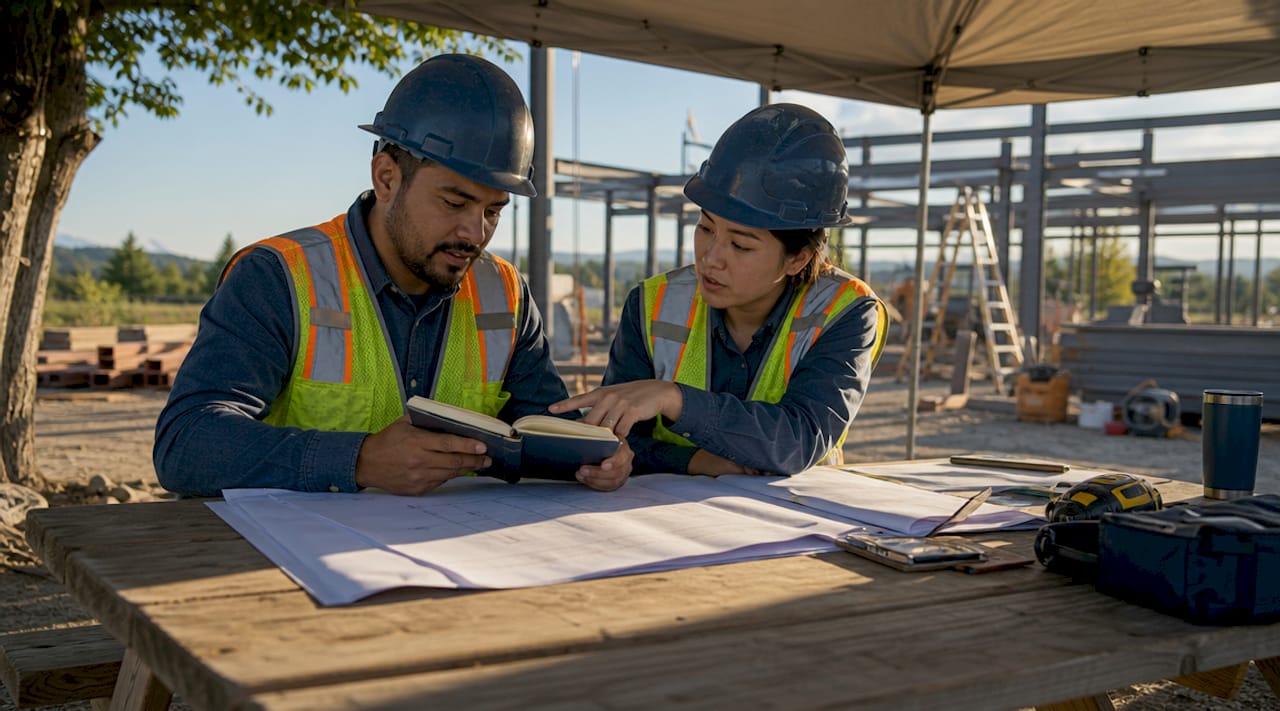
Selecting the right platform requires more than comparing price tags. The software that fits your workflow will always outperform the one with the longest feature list that your team never fully adopts.
-
Workflow fit over feature count. Software adoption failures most often stem from forcing complex processes onto teams that resist them. Map your current workflow first, then find software that mirrors it closely enough to reduce the learning curve.
-
Pricing model. Flat-rate pricing with no per-user fees is the most cost-effective structure for growing SMBs. Per-user fees punish growth by making every new hire a recurring line item. Flat-rate plans keep your software cost predictable as your headcount rises.
-
Construction-specific features. General project management tools handle basic task tracking but lack takeoff integration and real job costing, which are the two features SMB contractors rely on most for margin protection.
-
Accounting integration. Your software must connect cleanly with your accounting system. Disconnected financials force manual reconciliation, which defeats the purpose of buying software in the first place.
-
Implementation timeline. Implementation should take no more than 2–4 weeks to avoid productivity loss. Platforms that require months of consultant-led setup carry hidden costs in lost billable time and team frustration.
-
Total cost of ownership. The true cost of software includes setup fees, training time, and the productivity dip during transition. A $49/month plan with a three-month learning curve may cost more in real terms than a $150/month plan that your team uses fully within two weeks.
Pro Tip: Before signing any contract, ask the vendor for a list of contractors with a similar crew size and project type who use their platform. A 15-minute call with one of those references tells you more than any demo.
Avoiding common digital adoption mistakes also applies here. Contractors who treat software as a one-time purchase rather than an ongoing operational commitment consistently underperform those who build adoption into their management routine.
How do SaaS and custom-built construction software compare for SMBs?
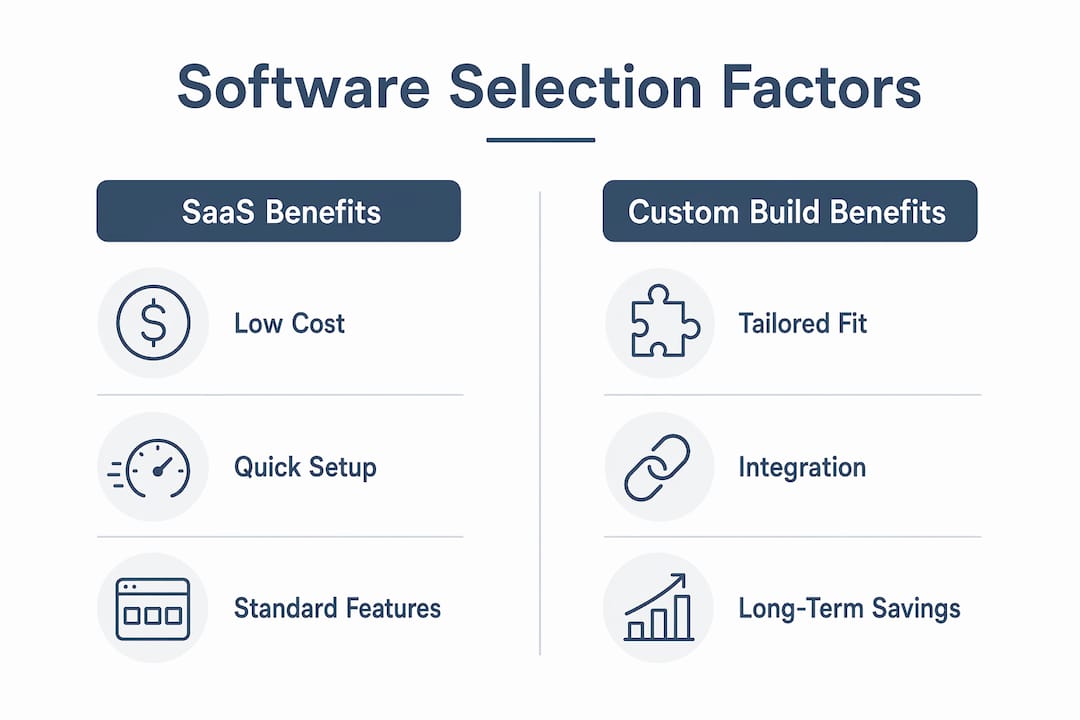
The build-versus-buy decision comes down to your current process complexity and your long-term cost tolerance. Neither option is universally better.
| Factor | SaaS platforms | Custom-built software |
|---|---|---|
| Upfront cost | Low ($49–$199/month typical) | High ($15,000–$30,000 typical) |
| Ongoing cost | Monthly subscription, scales with users | Minimal after build, maintenance only |
| Customization | Limited to platform constraints | Built exactly to your workflow |
| Implementation speed | 2–4 weeks typical | Months of development |
| Best for | Teams under 25 with standard workflows | Firms using 3–5 disconnected tools daily |
Custom construction software carries higher upfront costs but can reduce administrative duplication and long-term licensing fees. For a contractor running $5M+ in annual revenue across multiple project types, a focused custom build often pays back within two to three years compared to stacking SaaS subscriptions. For most SMBs under that threshold, a well-chosen SaaS platform delivers faster returns.
The clearest signal that you need a custom build is running three or more disconnected tools that your team has to manually reconcile each week. That inefficiency costs more in labor than most custom builds. SaaS platforms work best when your processes are relatively standard and your team needs a system they can learn quickly without dedicated IT support.
Enterprise-grade platforms are cost-prohibitive and overly complex for SMBs with straightforward projects. Their feature depth justifies the price only when you have a dedicated project coordinator managing the system full time. Most small contractors do not.
How can SMB construction businesses maximize the impact of affordable construction software?
Buying software is the easy part. Getting your team to use it consistently is where most SMBs either win or lose the investment.
- Assign a system owner. Designate one person, typically your project manager or office manager, as the internal champion for the platform. That person owns onboarding, troubleshooting, and holds the team accountable for data entry.
- Replace manual tasks on day one. Effective implementation replaces specific manual tasks like double data entry, document sorting, and photo categorization immediately. Do not run the old system in parallel. Parallel systems create confusion and give your team an excuse to revert.
- Require field data entry as a job condition. Field adoption drives accurate reporting. If field crews do not log hours and progress in the system, your job cost reports become unreliable, and the software loses its core value.
- Audit your margin reports weekly. The software only protects your margins if you read the reports it generates. Schedule a weekly 20-minute review of job cost versus budget for every active project.
- Avoid the software trap. The software trap is when field teams skip data entry and the platform becomes an expensive filing cabinet. The fix is not more features. It is a clear expectation from ownership that the system is non-negotiable.
The best construction software for a small business is not the cheapest or the most feature-rich. It is the one your team uses every day and the one you trust when making margin decisions. That standard should drive every evaluation you do.
Key Takeaways
Affordable construction software delivers real returns only when your team adopts it fully, your pricing model matches your growth rate, and your job cost reports drive weekly decisions.
| Point | Details |
|---|---|
| Adoption beats features | The software your team uses daily outperforms the one with the longest feature list that sits unused. |
| Flat-rate pricing protects growth | Per-user fees increase costs as you hire; flat-rate plans keep software expenses predictable. |
| Implementation speed matters | A 2–4 week onboarding window minimizes productivity loss and accelerates your return on investment. |
| Field data drives margin accuracy | Job cost reports are only reliable when field crews enter data consistently and in real time. |
| Total cost of ownership is the real metric | Factor in training time, transition productivity loss, and admin savings, not just the monthly subscription fee. |
What I have learned about software and SMB construction growth
The contractors I have seen struggle most with software are not the ones who bought the wrong tool. They are the ones who bought the right tool and then kept their old spreadsheets running alongside it “just in case.” That parallel-system habit is the single most reliable predictor of a failed implementation.
The uncomfortable truth about construction software for SMBs is that the technology is rarely the problem. The process is. Most small contractors have never formally documented how a job moves from estimate to closeout. When you drop software into an undocumented process, you get a digitized mess instead of a productive system.
The contractors who get real returns from affordable construction management tools do one thing differently. They use the software purchase as a forcing function to clean up their process first. They map out who owns each step, what data gets entered and when, and what reports the owner reviews each week. The software then runs on a clean foundation.
My honest advice: before you evaluate a single platform, spend two hours writing down how a typical job runs through your business from first contact to final invoice. That document will tell you exactly what features you need and which ones you will never use. It will also cut your evaluation time in half and prevent you from paying for complexity you do not need.
— Keith
Designflow-build: built for SMB construction teams
Small and mid-sized construction businesses need a platform that connects project management, accounting, and field operations without requiring an IT department to run it.
Designflow-build is an AI-native ERP built specifically for contractors. It reports a 70% reduction in manual data entry and goes live in 2–4 weeks with no army of consultants required. The AI Takeoff platform combines job costing, scheduling, and field reporting in one flat-rate system, so your costs stay predictable as your team grows. If you are ready to replace spreadsheets with a system your whole crew will actually use, Designflow-build is worth a close look.
FAQ
What is the role of affordable construction software for SMBs?
Affordable construction software connects project controls, job costing, and field reporting in one system, replacing manual processes that drain margins. Its primary role is giving small contractors real-time visibility into costs and project status without enterprise-level complexity or pricing.
How much should a small construction business spend on software?
SMB construction companies typically budget 1–5% of annual revenue for technology. The right number depends on your project volume and how much administrative waste your current process generates.
What is the software trap in construction project management?
The software trap occurs when field teams skip data entry after implementation, leaving the platform without accurate data. The result is unreliable margin reports and a system that costs money without delivering value.
Is SaaS or custom-built software better for small contractors?
SaaS platforms work best for teams with standard workflows and fewer than 25 crew members. Custom builds make financial sense for contractors running three or more disconnected tools that require daily manual reconciliation.
How long should construction software implementation take for an SMB?
Implementation should take no more than 2–4 weeks. Longer rollouts increase productivity loss and give teams time to revert to old habits before the new system takes hold.