Top 3 Project-Ready.com Alternatives 2026

Managing projects with slow manual workflows and unclear document control slows contractors, project managers, and architects. Many tools either restrict affordable access by per-user pricing or lack full field synchronization and secure document handling. This comparison weighs features and pricing for three construction project management platforms so you can pick one that fits your scale and workflow.
Table of Contents
DesignFlow Build
At a Glance
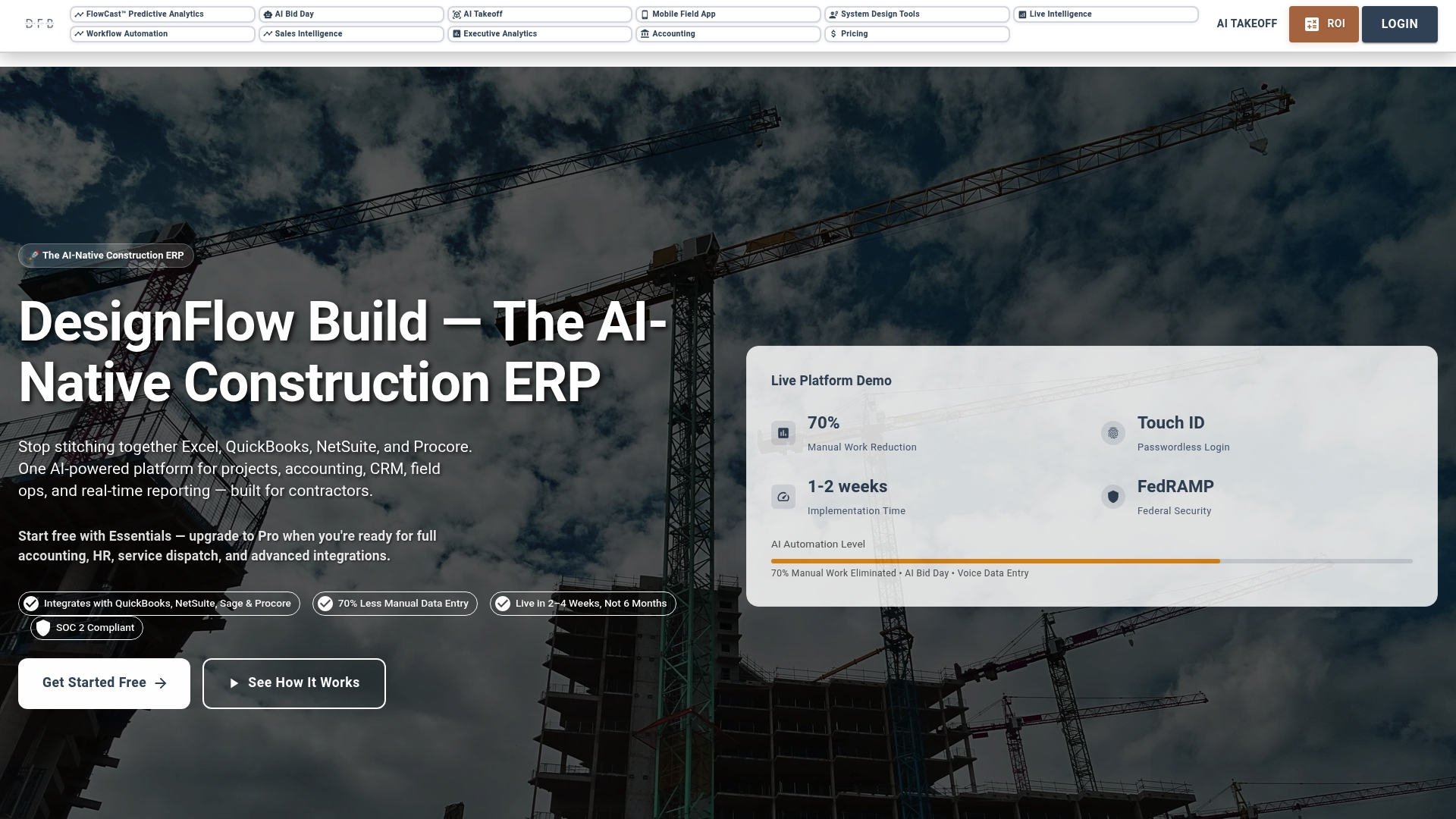
According to the company, DesignFlow Build reports a 70% reduction in manual data entry and monthly savings up to $847,000. That same source states implementation typically takes 2–4 weeks and a 98% user adoption rate with a payback period near 2 months.
DesignFlow Build targets contractors and project teams who need project controls, accounting, and field operations in one system. The product claims fast ROI by replacing Excel and separate accounting tools.
Core Features
DesignFlow Build combines AI project management with estimating, scheduling, and built-in accounting so your office and field run from one ledger. The platform includes AI bid day and plan evaluation, HVAC design with load calculations, and AI email processing that extracts project data.
Its AI blueprint takeoff converts PDF plans into 3D models and bills of quantities, and the vendor reports accuracy in the mid 90s with automation levels near 70 percent. Those capabilities tie directly into permits, safety, COI tracking, and closeout workflows.
Key Differentiator
DesignFlow Build was created as an AI-native construction ERP rather than an add-on to generic financial software. The single-platform approach puts estimating, scheduling, project controls, and financials under one roof and aims to remove duplicate entry across Excel and bookkeeping systems. That design shortens implementation and keeps configuration focused on contractor workflows.
Pros
DesignFlow Build reduces repetitive data work and links project schedules to permits and inspections. The vendor reports that manual entry drops about 70 percent, which translates to fewer reconciliation tasks for accountants and project managers. Implementation times of 2–4 weeks mean teams can move from pilot to production quickly, and the product bundles estimating, field operations, and accounting so you avoid stitching together multiple tools.
The platform includes HVAC and MEP features, AI bid evaluation, and a visual automation builder that lets you create rules with drag-and-drop logic. Those automation and accuracy claims aim to cut estimating hours and speed bid-day decisions, which helps run more projects with the same staff.
Cons
- The feature set can feel heavy for very small or simple projects, creating a steeper initial learning curve for teams without dedicated operations staff.
Notable Integrations
- QuickBooks
- NetSuite
- Sage
- Procore
- PlanGrid
- Bluebeam
- AutoCAD
- Revit
Who It’s For
You are a general contractor, MEP or HVAC firm, or an estimating and preconstruction team that needs industry-specific workflows and faster bid processing. DesignFlow Build fits teams that want rapid deployment and are ready to adopt AI-assisted estimating and project controls. CIOs who prefer a single vendor for finance and project ops will find the unified approach appealing.
Unique Value Proposition
AI blueprint takeoff that converts plans into 3D models and BOQs with reported 94–98% accuracy. That capability shortens estimating cycles and reduces the need for manual quantity checks, which lowers bid turnaround time and reduces rework on awarded projects.
The practical effect is you move from PDF to priced scope faster and then keep costs consistent through project accounting and field updates.
Real World Use Case
A mid-sized general contractor used DesignFlow Build to cut manual project work by the reported 70 percent, link schedules to permits and inspections, and shorten a typical six-month delivery to four months. That implementation reportedly delivered payback in about two months and improved on-time closeout.
Pricing
DesignFlow Build offers a free Essentials plan for core project and workflow management. Upgrade to Pro for full accounting, HR, and dispatch. Field-user seats are available at affordable rates, and exact pricing is provided during trial or after contact.
Website: https://designflow-build.com
ConDoc
At a Glance
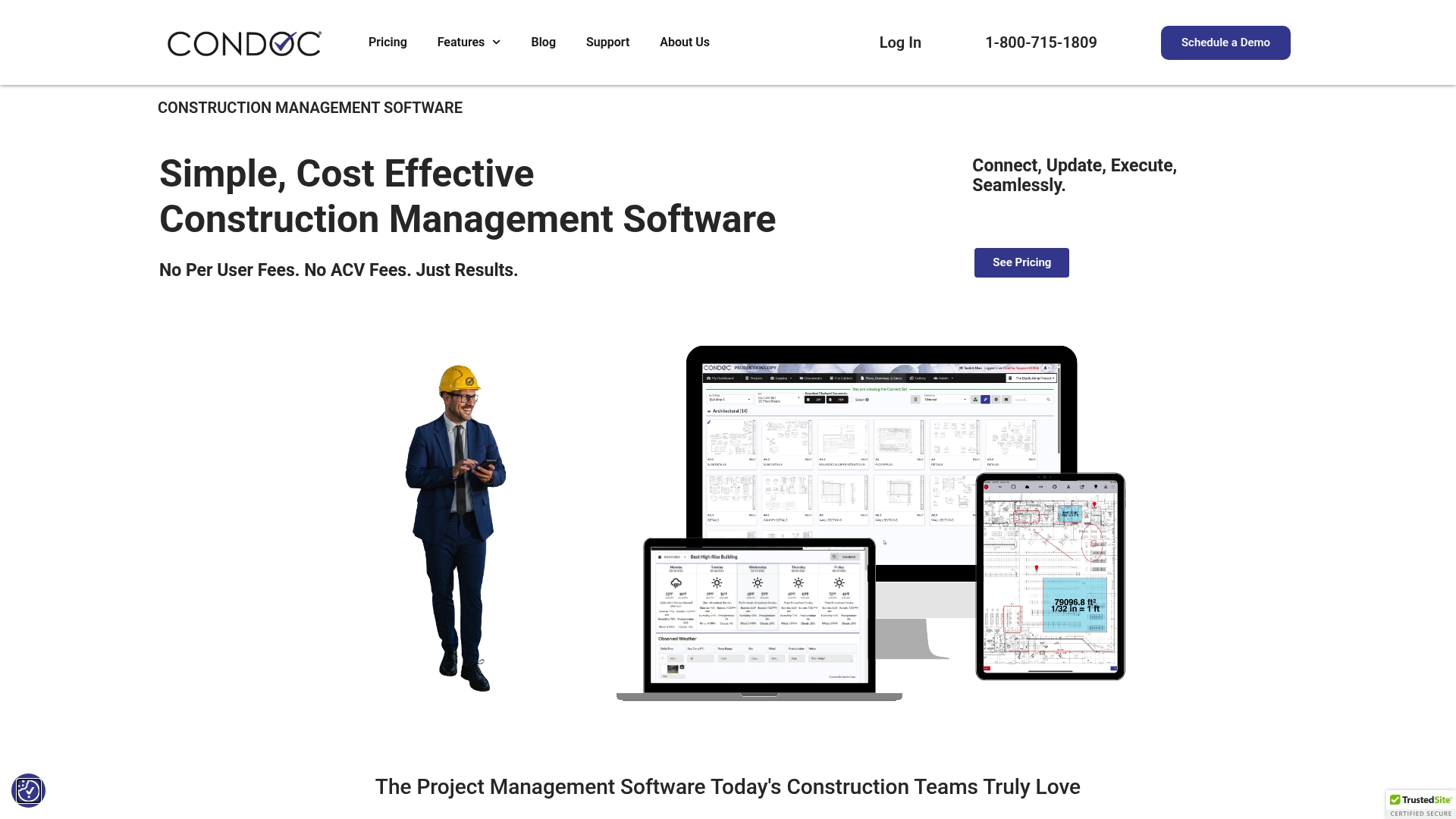
Unlimited users and projects come with ConDoc’s flat rate pricing, which keeps per project costs predictable. The platform combines document, drawing, and field management with mobile and offline access. ConDoc also integrates markup and approval workflows with Bluebeam and Adobe.
Core Features
ConDoc handles Document Management, drawing control, and field reports in one place and supports custom approval workflows. The system includes real time markup, notifications, and version control so teams work from current files. Its AI driven auto detection pulls sheet details from drawings, plans, and specs and keeps versions synchronized across the project.
Key Differentiator
ConDoc centers its offering on AI powered drawing management that automatically detects sheet information and ties version control directly into task and approval workflows. That integration reduces manual tag work and keeps revisions visible to field crews and office teams.
Pros
Flat rate pricing with unlimited users and projects makes budgeting straightforward and removes per seat admin. The interface is user friendly and supports quick onboarding plus mobile and offline access so field crews stay productive without constant connectivity. Collaboration features such as real time markup, notifications, and version control help reduce plan confusion. Support receives frequent praise and the vendor continues active development on workflows.
Cons
- May lack some advanced enterprise features required for very large, complex programs. This can affect portfolio scale reporting.
- The AI driven drawing tools work well but require initial configuration to extract full value. Expect setup time for drawing templates and naming conventions.
- Built in reporting and analytics are not as extensive as in some enterprise systems, which may force exports to a separate analytics tool.
When It May Not Fit
ConDoc may not fit teams running multi billion dollar programs that need deep enterprise reporting and governance. Organizations requiring extensive built in analytics or highly customized integrations could find the platform limited. Large owners with complex compliance workflows might need a different suite.
Notable Integrations
ConDoc integrates with Bluebeam and Adobe for markup and approval workflows. Those integrations keep PDFs and markups in sync with drawing versions and approval states.
Who It’s For
Contractors, project managers, and architects who want a simple, cost effective project management tool will find ConDoc a strong match. Small to mid sized general contractors and specialty contractors benefit from the flat rate pricing and mobile support. Teams that need current drawings on site with minimal admin overhead will see the most value.
Real World Use Case
A general contractor used ConDoc on a multifamily residential project to manage daily reports, RFIs, and drawing revisions. The team assigned drawing sets, pushed automatic notifications, and tracked approvals so subcontractors worked from current plans. That practice reduced rework and sped routine approvals on site.
Pricing
Pricing starts at $50 per project per month for the Basic plan. Higher tiers at $100 and $150 per project per month add features. Discounts are available for annual payments.
Website: https://condoc.com
Skysite
At a Glance
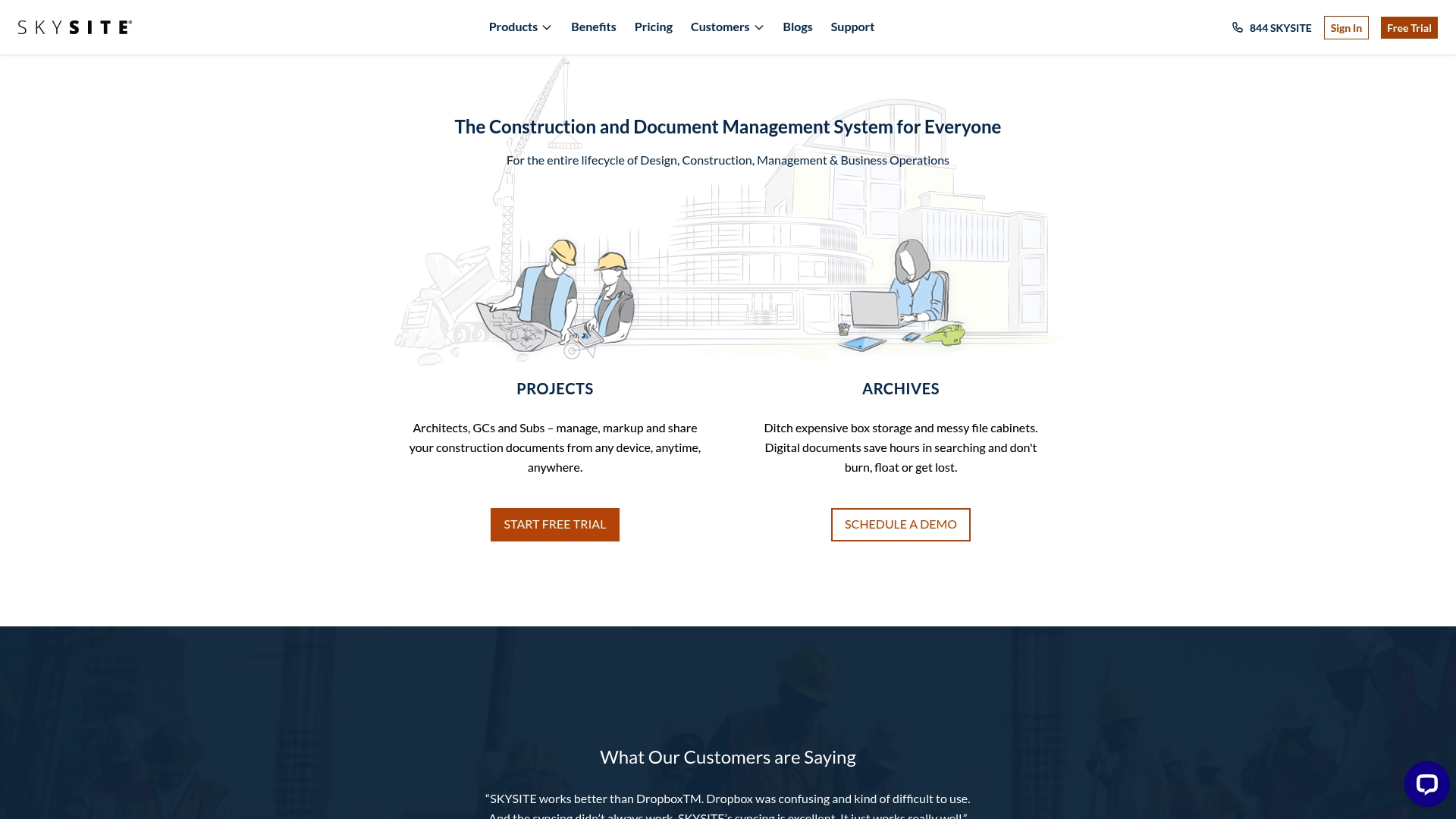
Skysite’s marketing materials state ISO 27001 and SOC 2 certifications for project document handling. That security focus pairs with mobile access and real-time sync so teams can access plans on site. The product targets the full document lifecycle from design through operations.
Core Features
Skysite organizes construction documents with project-level management and a digital archives system that replaces physical storage. It includes mobile access and real-time synchronization so field teams see updates immediately, and an OCR environment for faster document retrieval. Security and compliance are built into the platform as part of the document workflow.
Key Differentiator
Skysite focuses specifically on construction document workflows and on-site access rather than broad enterprise project accounting. Those certifications support its security positioning for sensitive project files. The platform prioritizes document control, archives, and field connectivity over full ERP functionality.
Pros
Customers report better syncing and reliability compared to generic cloud drives, which reduces the risk of working from outdated drawings. The mobile app keeps subcontractors and foremen connected to the latest documents while on site. Strong security credentials support firms that handle sensitive client data or regulated projects. The interface aims to simplify communication by keeping documents and approvals in a single place.
Cons
-
Limited detail on integrations with estimating, scheduling, or accounting tools, which may complicate data handoffs.
-
Pricing information is not publicly listed, so total cost of ownership is unclear before a sales conversation.
-
Suitability depends on project scale and workflows; larger contractors that need full ERP features may find gaps.
When It May Not Fit
If your operations rely on deep, documented integrations with your ERP or estimating package, Skysite may not meet that need. If you require bundled accounting, payroll, or job costing inside a single vendor, this product focuses on documents rather than financials. Small firms that need a free or low cost tool with basic syncing may prefer a different option until pricing is available.
Who It’s For
Construction companies, project managers, architects, and contractors who prioritize secure document control and field access will find Skysite relevant. Teams that need mobile plan viewing, controlled archives, and audit-ready security will get the most value. Organizations that treat document security as a procurement requirement will also benefit.
Real World Use Case
A general contractor uses Skysite to store project drawings, issue revisions to subcontractors, and let superintendents pull the latest plans on tablets in the field. Project managers track approvals and maintain a searchable archive for closeout. That flow reduces time spent locating files and clarifies which drawing revision is current.
Pricing
Pricing is not publicly listed. Prospective buyers must contact Skysite for quotes and deployment options, which likely vary by project count and storage needs.
Website: https://skysite.com
Comparison of alternatives
Evaluating DesignFlow Build against its alternatives demonstrates significant differences in design focus and applicability based on user requirements.
Predictable pricing structures
ConDoc stands out by offering a flat-rate pricing model that includes unlimited users and projects. This predictability facilitates budgeting for businesses, particularly small to mid-sized contractors who work on multiple simultaneous projects. In contrast, DesignFlow Build ties pricing tiers to feature access, which provides customization at the cost of greater complexity. Skysite’s pricing remains undisclosed, necessitating personalized quotes, which could be a consideration for firms requiring an upfront understanding of costs.
Enhanced field access and compliance
Skysite emphasizes document security with ISO 27001 and SOC 2 certifications, alongside its mobile workflows and digital archives, catering to firms managing compliance-heavy projects. This specialization surpasses DesignFlow Build and ConDoc in addressing secure collaboration. Additionally, ConDoc’s integration with Bluebeam and Adobe for real-time markup ensures project managers and subcontractors work with synchronized updates.
Best fit
- For general contractors needing AI-driven estimating, project accounting, and advanced operational insights, DesignFlow Build excels with unified and tools.
- For teams valuing straightforward budgeting with unlimited scalability, ConDoc’s flat-rate pricing structure provides exceptional clarity.
- For firms prioritizing secure document management and reliability in compliance-heavy industries, Skysite ensures optimized operational workflows.
Our pick
DesignFlow Build offers AI implementation driven by accurate estimating and project management while simplifying operations with integrated financials. For contractors focusing on these priorities, DesignFlow Build is a particularly well-aligned tool.
Choosing the ideal construction project management platform involves considering the integration of features, ease of adoption, and specific use cases.
| Product | Key Differentiator | Best For | Pricing | Notable Limitation |
|---|---|---|---|---|
| DesignFlow Build | AI-powered blueprint to BOQ conversion tool | General contractors and teams ready for AI adoption | Price provided upon contact | Feature set complexity may challenge very small projects |
| ConDoc | Flat rate pricing for unlimited users and projects | Small to mid-sized contractors needing mobile access | $50–$150 per project/month | Advanced analytics required for complex programs |
| Skysite | ISO 27001 and SOC 2 document security certifications | Teams prioritizing secure documents and field access | Price not published | Limited ERP feature integration |
How to Improve Project Management Efficiency Beyond Project-Ready.com Alternatives
Managing construction projects often means juggling multiple tools and handling repetitive manual work. Designflow-build tackles this challenge by combining AI-driven project management, accounting, and field operations into one platform. Contractors benefit from a 70% reduction in manual data entry and fast implementation within 2 to 4 weeks.
Key advantages include:
- AI blueprint takeoff for faster estimating
- Unified ledger avoiding separate Excel or QuickBooks entries
- High user adoption and rapid ROI
Explore how Designflow-build fits general contractors, MEP and HVAC firms, and preconstruction teams seeking fast, AI-assisted workflows. Learn more on Designflow-build’s website and see how you can reduce manual work while improving project controls and accounting.
FAQ
What unique feature does Designflow-build offer for estimating projects?
Designflow-build includes an AI blueprint takeoff that converts PDF plans into 3D models with a reported accuracy of 94–98%. This capability reduces the time spent on estimating and helps maintain consistent project costs. Consider starting with Designflow-build to streamline your estimating process.
How does ConDoc’s document management compare to Designflow-build?
ConDoc features a flat rate pricing model with unlimited users and projects, simplifying budgeting for many teams. While it excels in document management and collaboration, Designflow-build integrates project management with built-in accounting, providing a more comprehensive solution for contractors needing both project controls and financials. Choose Designflow-build if you require a unified approach for your construction project management needs.
Can Designflow-build help with project closeout workflows?
Yes, Designflow-build includes workflows for permits, safety, and closeout processes alongside its construction management functions. This integration ensures that all project aspects are linked, which can enhance efficiency during closeout. If you’re looking for a tool that simplifies project wrap-up, Designflow-build is a solid choice.
Which platform is better for mobile access, Designflow-build or Skysite?
Skysite offers mobile access and real-time synchronization, which is beneficial for field teams needing up-to-date documents on-site. Designflow-build, while it focuses on project management and accounting, does not highlight mobile functionality as a key feature. If mobile access is crucial for your project environment, Skysite may serve you better, though Designflow-build provides broader project management capabilities.
How quickly can I implement Designflow-build for my team?
Implementation of Designflow-build typically takes 2–4 weeks, with a reported user adoption rate of 98%. This quick turnaround allows teams to start leveraging the platform’s features rapidly. If you’re pressed for time and need a fast setup, Designflow-build is designed to get you up and running quickly.